


House cleaning teams
- Multiple homes in one day
- Cleaners move between client homes
- Clients notice delays quickly
- Confirmations often happen by text
Use cases
CleanConfirm helps cleaning teams reduce last-minute uncertainty after the schedule is set, before missed confirmations turn into client-facing problems.
Use cases
Use cases
Want more help choosing the right workflow? Browse CleanConfirm comparisons, use cases, and shift confirmation guides. View comparisons and guides
Confirm cleaners before the first home visit starts.
Open guide02Keep recurring site coverage visible before work begins.
Open guide03Confirm recurring building shifts and keep cover requests visible.
Open guide04Spot turnover-day gaps before guest check-in.
Open guideHouse cleaning teams
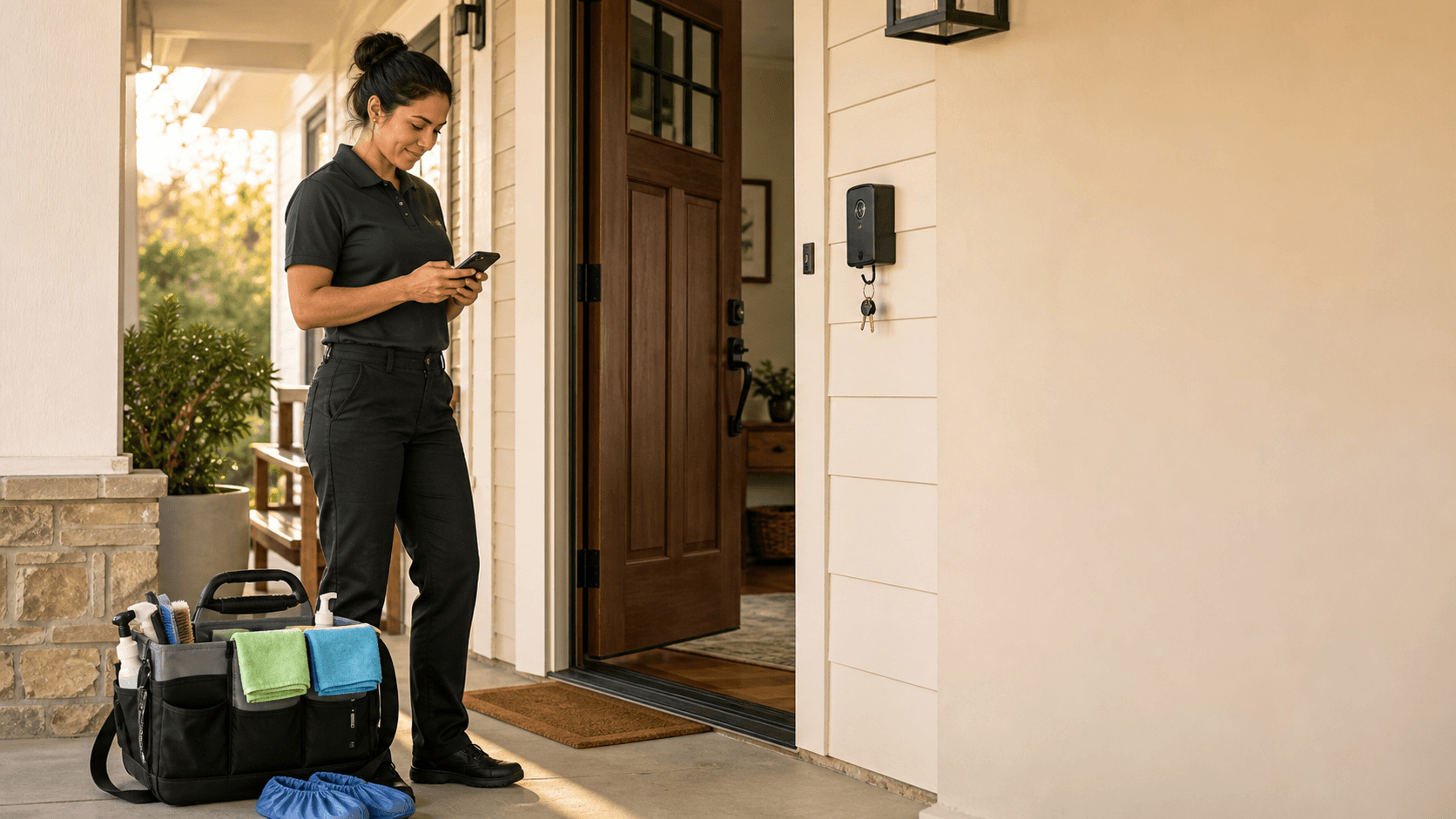
For residential cleaning teams that need to confirm assigned jobs, remind cleaners before they leave, and respond quickly when someone calls out.
Example names, locations, times, and shift data.
Owner-led residential cleaning teams that already schedule work but still chase confirmations through texts or calls.
Import or add assigned jobs, ask cleaners to confirm, manually follow up on unconfirmed shifts, and move callouts into Pending Cover.
A cleaner missing a confirmed job, a client waiting, or a last-minute callout getting buried in a message thread.
Three homes are assigned before 8 AM. The owner needs confirmation before the first cleaner leaves, not after a client calls.
A cleaner says they cannot make the 2 PM home. The shift moves to Pending Cover; staff or an admin can submit a Cover Request, and an owner or admin reviews it before reassignment. The newly assigned cleaner still needs to confirm.
The assigned cleaner says Cannot make it, so the shift moves to Pending Cover. An eligible staff member or admin can then submit a Cover Request for an authorized owner or admin to review.
Commercial cleaning teams
For commercial cleaning teams managing recurring shifts, multiple sites, early mornings, evenings, or weekend work where managers are not always on site.

Example names, locations, times, and shift data.
Commercial cleaning teams with recurring shifts, multiple sites, evening work, or managers who cannot always be on site.
Create assigned shifts from a CSV, collect confirmations, watch unconfirmed work, and keep cover requests visible.
Coverage gaps at offices, recurring sites, or weekend jobs where an unconfirmed shift can be hard to catch early.
A 6 PM office clean needs confirmation before keys are picked up. If the assigned cleaner has not replied, the manager can send a reminder.
A Saturday cleaner cannot make the shift. An owner or admin reviews the Cover Request. After an approved reassignment, the replacement remains Unconfirmed until they confirm separately.
The same building repeats weekly, but confirmation still matters when staff change or after-hours access is involved.

Find the right setup
Run one real week of jobs through CleanConfirm and see where confirmations, reminders, and cover requests need a clearer place.